Care AxisPRACTICE360Multi-Specialty

Care Axis Practice360: one package for cash, insurance, and hybrid clinics

Practice360 is designed for multidisciplinary teams that need flexible workflows without losing operational control as volume increases.

  • Map your care and business model pathways
  • Configure templates, automations, and integration touchpoints
  • Launch a unified operating dashboard for daily execution

Specialized package. Shared Care Axis core.

PRACTICE360 is purpose-built for this clinical model while using the same core architecture for security, automation, integrations, communication, and analytics.

Fast rolloutRole-based opsEnterprise-ready
Product Experience

What teams actually use every day

The interface is designed for high-volume execution: clear context, rapid actions, and role-based visibility across operations.

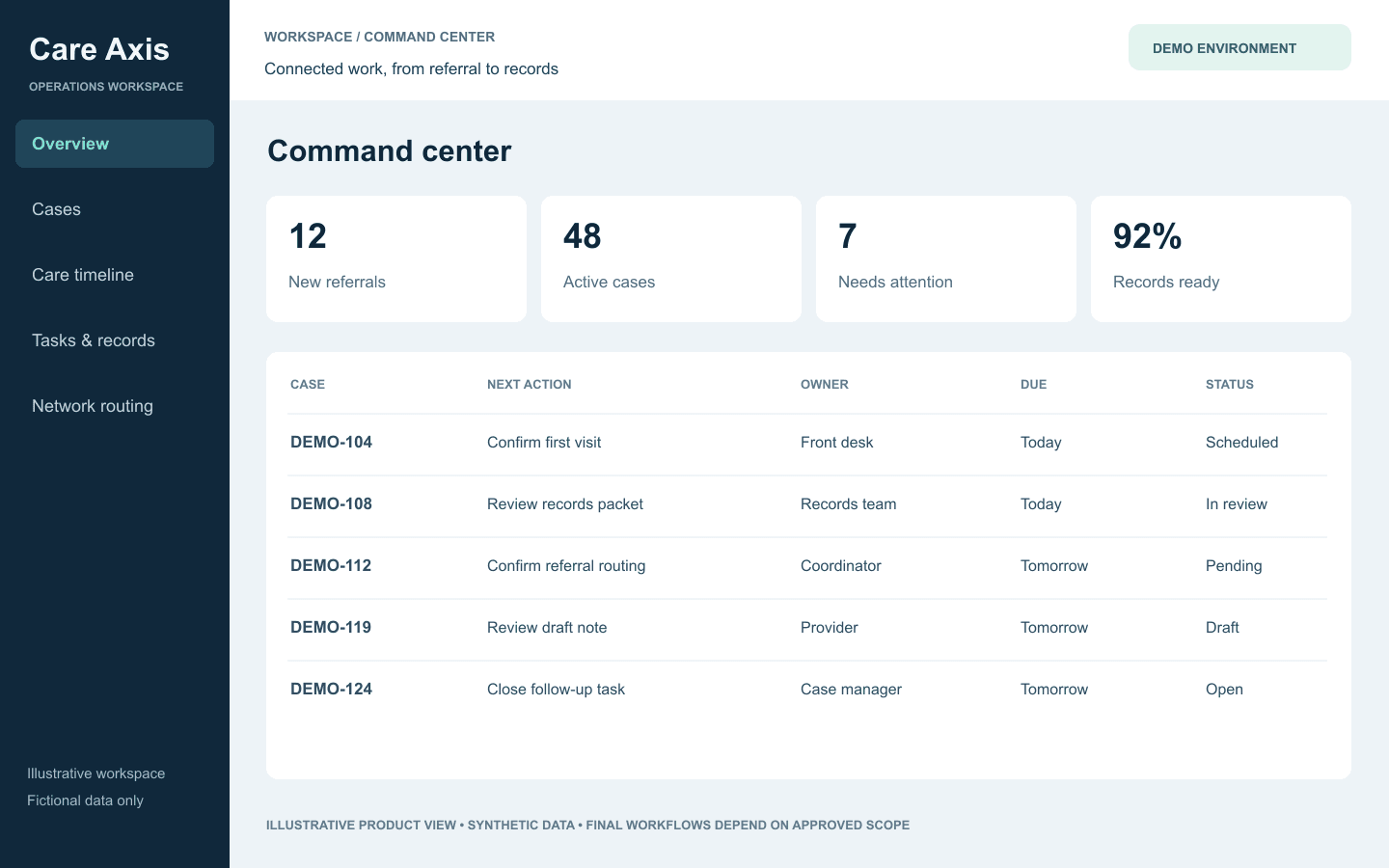
Multi-Specialty Command View inside Care Axis PRACTICE360

Multi-Specialty Command View

One central surface for insurance, cash-pay, and hybrid practice operations.
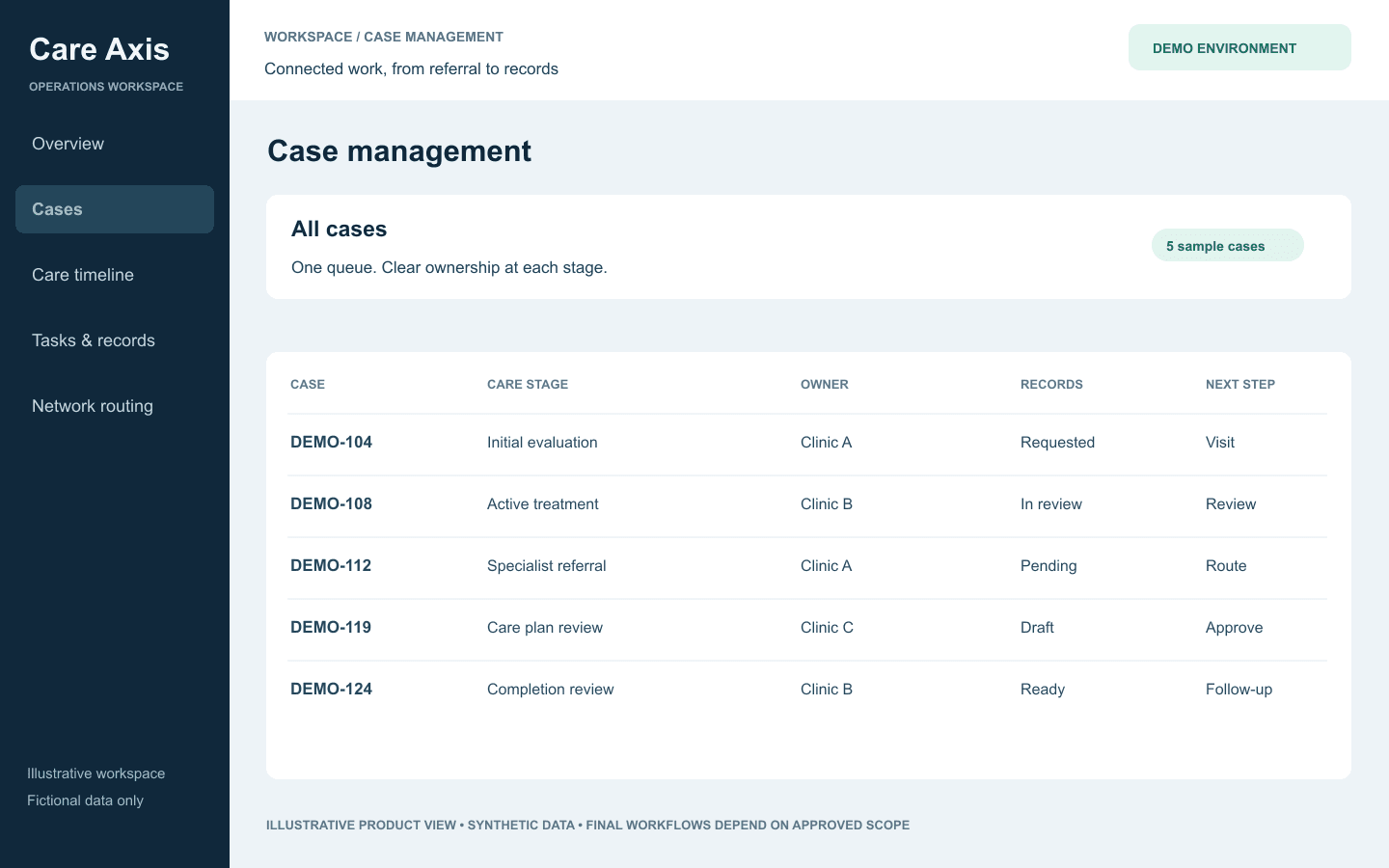
Cross-Team Worklist product view

Cross-Team Worklist

Unified filtering and action routing across specialties and staff roles.
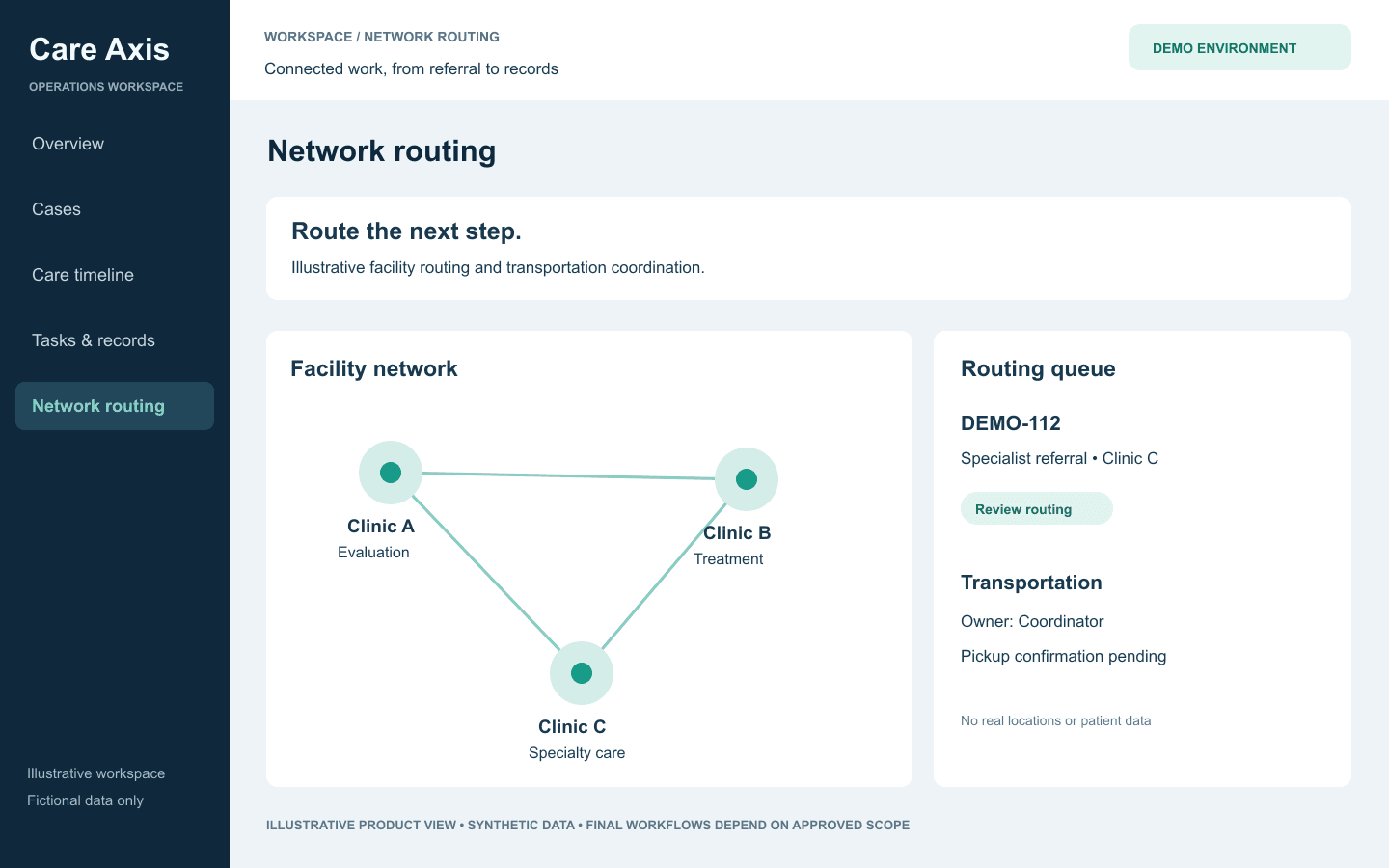
Location + Referral Coordination product view

Location + Referral Coordination

Coordinate service locations, referrals, and patient routing from one screen.

Pain points we solve

  • Mixed business models causing workflow fragmentation
  • Limited consistency across staff, specialties, and locations
  • No single view of scheduling, communications, and productivity
  • Hard-to-scale operations with manual process dependencies

Operational outcomes

  • Unified workflows across cash-pay and insurance operations
  • Clear role-based task ownership across the organization
  • Integrated communications and scheduling visibility
  • Operational systemization that scales with growth
Implementation Flow

Specialized workflows, premium rollout experience

1. Map your care and business model pathways
2. Configure templates, automations, and integration touchpoints
3. Launch a unified operating dashboard for daily execution
4. Continuously optimize through analytics and AI suggestions
Next Step

See PRACTICE360 in your live workflow

Share your clinic model, timeline, and migration requirements. We will map your package, implementation scope, and launch sequence.